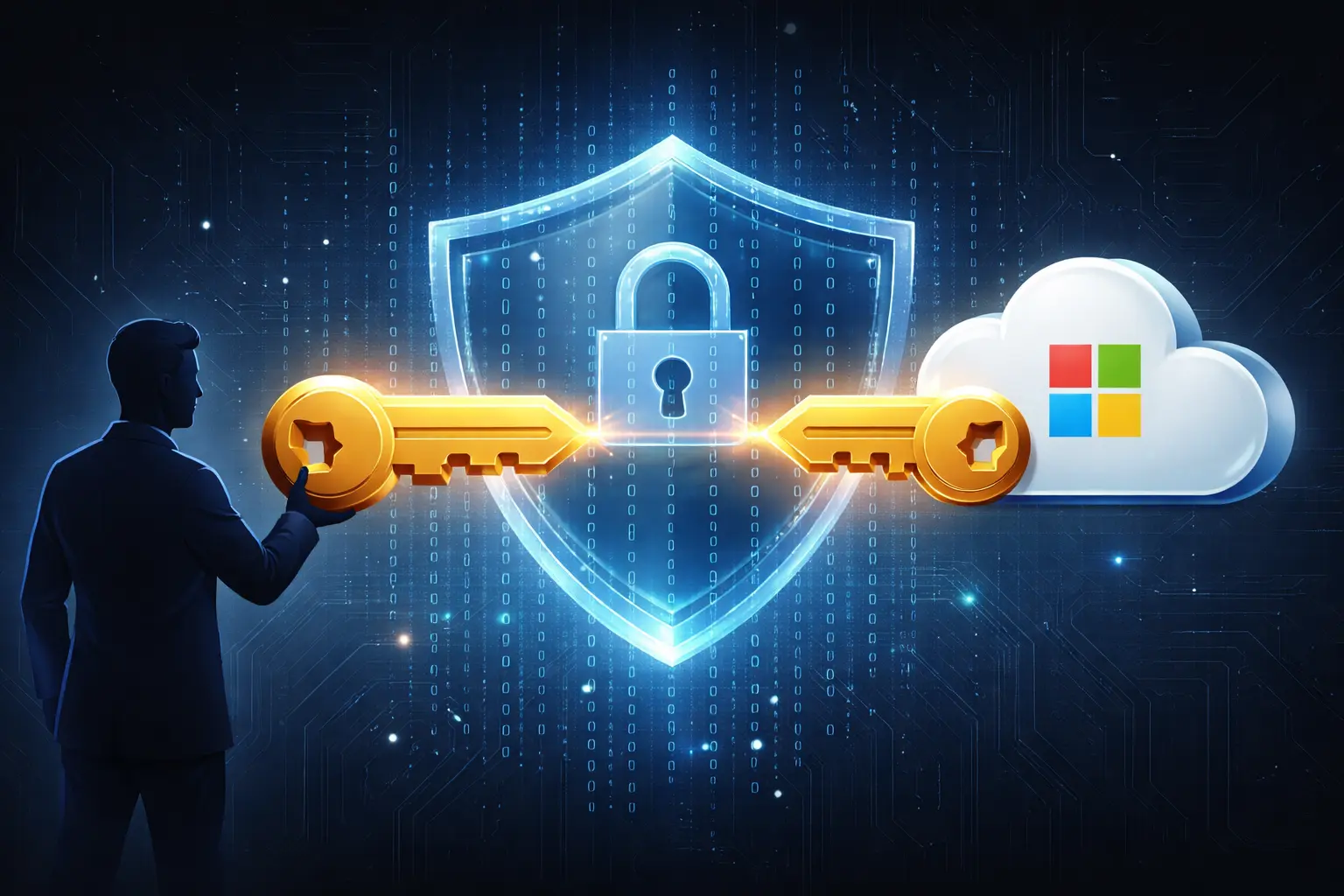
Why encryption without key ownership creates hidden dependencies—and what LUKS, VeraCrypt, and conscious architecture offer instead.
For years, BitLocker has been widely trusted as a strong, enterprise-grade disk encryption solution.
And from a cryptographic standpoint, that trust was not misplaced.
But a recent, publicly acknowledged disclosure from Microsoft forces us to re-examine something deeper than encryption strength. It asks an uncomfortable question that many of us assumed was already answered:
Where does trust actually live in modern computing systems?
The Moment Trust Quietly Shifted
Microsoft confirmed that it provided BitLocker recovery keys to law enforcement when presented with a valid legal order, a development that gained wider attention after reporting by Windows Central.
This was not a leak. It was not a vulnerability. It was not an exploit.
It was a lawful action, publicly acknowledged.
Yet for many users and organizations, it triggered a moment of unease. Not because laws were followed, but because a long-standing assumption was challenged.
The assumption that enabling encryption automatically meant exclusive control.
BitLocker Did Not Break
Let’s be precise.
BitLocker’s encryption did not fail. The algorithms remain strong. The implementation remains sound.
What changed was not the technology, but the trust boundary.
In many modern Windows setups, especially with Windows 11, BitLocker recovery keys are automatically backed up to a Microsoft account by default, as described in Microsoft’s own BitLocker documentation. This often happens silently, as part of device onboarding or identity integration.
Once keys are escrowed elsewhere, trust is no longer absolute. It becomes shared.
Encryption remains intact. Control becomes conditional.
Trust Is Not Binary Anymore
Most of us think of trust as a yes-or-no question.
In reality, modern platforms distribute trust across:
- Identity providers
- Cloud services
- Device management layers
- Legal jurisdictions
Each layer may be reasonable on its own. Together, they form a system where control is no longer singular.
This is not malicious design. It is convenient design.
And convenience, almost always, comes with invisible trade-offs.
The Real Concern Is Not Compliance
Microsoft complied with a legal request. That is expected of any global platform operating under law.
The deeper concern lies elsewhere.
Did users and organizations consciously choose this trust model, or did they inherit it through defaults?
In most cases, the answer is inheritance, not intent.
And inherited trust is fragile trust.
Defaults Define Reality More Than Documentation
Security policies, whitepapers, and configuration guides matter. But defaults matter more.
Most users never explicitly decide where their encryption keys live. Most administrators never revisit the decision once systems are deployed.
Trust is quietly delegated, not deliberately granted.
This pattern is not unique to BitLocker. It appears across modern digital infrastructure, wherever platforms optimize for seamless user experience.
Why This Matters for Businesses
For individuals, this is a privacy concern.
For organizations, it is a governance concern.
Key ownership matters during:
- Legal disputes
- Cross-border investigations
- Regulatory changes
- Vendor lock-in scenarios
- Geopolitical uncertainty
Encryption protects data at rest. Trust defines who ultimately decides access.
Those are not the same thing.
Encryption Alternatives: Taking Back Control
This is where understanding alternatives becomes necessary—not to abandon BitLocker entirely, but to make conscious choices about where trust lives.
Here’s how major disk encryption solutions compare:
| Feature | BitLocker (Windows) | LUKS (Linux) | VeraCrypt (Cross-platform) |
|---|---|---|---|
| Key storage default | Microsoft account (cloud escrow) | Local only (user controlled) | Local only (user controlled) |
| Open source | ❌ No (closed source) | ✅ Yes (GPL) | ✅ Yes (Apache/TrueCrypt) |
| Key recovery by vendor | ✅ Possible (via Microsoft) | ❌ Not possible | ❌ Not possible |
| TPM integration | ✅ Native support | ✅ Supported | ⚠️ Limited |
| Enterprise management | ✅ Active Directory, Intune | ✅ Centralized key servers optional | ⚠️ Manual or scripts |
| Audit trail visibility | ⚠️ Limited (Microsoft controls) | ✅ Full (local logs) | ✅ Full (local logs) |
| Compliance | Depends on key escrow policy | Configurable (meets most standards) | Configurable (meets most standards) |
| Boot-time protection | ✅ Pre-boot authentication | ✅ Pre-boot authentication | ✅ Pre-boot authentication |
| Cost | Included with Windows Pro+ | Free | Free |
Key takeaway: BitLocker offers convenience and seamless Windows integration. LUKS and VeraCrypt offer key ownership by default.
Neither is universally better. But the choice should be deliberate.
Linux Disk Encryption: LUKS in Practice
LUKS (Linux Unified Key Setup) is the standard disk encryption system on most Linux distributions.
What makes it different:
1. Key Management Architecture
LUKS separates the master key (encrypts the disk) from user passphrases (unlock the master key). This means:
- You can have multiple passphrases for the same encrypted volume
- You can change passphrases without re-encrypting the entire disk
- Keys never leave your system unless you explicitly export them
2. No Cloud Escrow by Default
Unlike BitLocker, LUKS:
- Stores keys locally in the LUKS header on disk
- Never transmits keys to external services
- Requires explicit configuration for centralized key management
Trade-off: If you lose all passphrases and have no backup, data is irrecoverable. This is by design.
3. Enterprise Key Management (Optional)
For organizations needing centralized control:
- Tang + Clevis — Network-based key escrow (controlled by you)
- NBDE (Network-Bound Disk Encryption) — Red Hat’s enterprise solution
- TPM 2.0 integration — Hardware-backed key storage
The difference: You control the infrastructure.
4. Typical Linux Setup
| |
Important: This is overview-level detail. Full LUKS implementation requires careful planning, especially for enterprise deployments.
Key Management Audit: Know Where Your Trust Lives
Before choosing or continuing with any encryption solution, audit these questions:
Trust Boundary Checklist
1. Key Storage Location
- Where are encryption keys physically stored?
- Are keys automatically backed up to cloud services?
- Can you disable cloud backup without breaking functionality?
2. Recovery Mechanisms
- Who can initiate key recovery?
- What legal or administrative process is required?
- Are recovery actions logged and auditable?
3. Vendor Access
- Can the vendor access keys without your knowledge?
- Under what circumstances can they be compelled to share keys?
- What jurisdictions govern vendor legal obligations?
4. Key Lifecycle
- Can you rotate encryption keys without re-encrypting?
- Can you revoke compromised keys?
- Do you have documented key escrow procedures?
5. Disaster Recovery
- Can you restore encrypted data if the vendor disappears?
- Do you have offline key backups in secure storage?
- Have you tested recovery procedures?
6. Compliance Requirements
- Does your regulatory framework require on-premises key storage?
- Are there data residency requirements (GDPR, DPDP Act, etc.)?
- Can you prove key custody for audit purposes?
Where Linux and Open Source Change the Equation
This is where Linux and open-source systems enter the conversation, not as ideology, but as architecture.
Open-source systems do not magically make data safer. They do something quieter and more important.
They make trust inspectable.
With open systems:
- Key management workflows are visible
- Defaults can be audited and changed
- Control can be retained locally
- Trust can be verified, not assumed
This does not guarantee security. It enables freedom of choice.
And freedom, in security, matters more than slogans.
Freedom Is Not the Absence of Risk
Choosing Linux or open-source platforms does not eliminate responsibility. In fact, it increases it.
You trade convenience for control. You trade abstraction for understanding.
But you also trade inherited trust for earned trust.
That trade-off is not for everyone. But it should be a conscious one.
What This Means for Your Systems
If you’re using BitLocker in production, here’s what to review:
Immediate Actions
1. Audit Key Escrow Status
- Check if BitLocker recovery keys are in Microsoft accounts
- Review Azure AD/Intune key management policies
- Document where keys are stored for compliance
2. Evaluate Trust Model
- Does your threat model accept Microsoft as key custodian?
- Do regulatory requirements mandate on-premises key control?
- What happens if geopolitical events affect Microsoft services?
3. Consider Alternatives for Critical Systems
- High-security workloads: LUKS on Linux with local key management
- Cross-platform needs: VeraCrypt for systems requiring portability
- Hybrid approach: BitLocker for endpoints, LUKS for servers/data centers
4. Document and Test Recovery
- Export and securely store recovery keys offline
- Test recovery procedures (boot failure, lost passwords)
- Ensure recovery doesn’t depend solely on cloud availability
Strategic Considerations
For compliance-heavy environments (finance, healthcare, government):
- Evaluate LUKS + Tang/Clevis for controlled key escrow
- Consider on-premises key management servers
- Implement strict key access logging
For geographically distributed organizations:
- Review data residency requirements by jurisdiction
- Plan for cross-border key access restrictions
- Consider regional key management infrastructure
For high-threat environments:
- Use LUKS with hardware security modules (HSMs)
- Implement multi-factor disk unlock (TPM + PIN + FIDO2)
- Air-gap key backups from network
Encryption Without Trust Is Incomplete
This episode reminds us of a fundamental truth in modern computing:
Encryption is a tool. Trust is a system.
When trust is outsourced by default, security becomes dependent on assumptions we rarely examine.
Sometimes those assumptions hold. Sometimes they are tested.
The Question Worth Asking
Before enabling encryption on any platform, it is worth asking a simple question:
Who holds the keys, and under what circumstances can control change hands?
If that answer is unclear, then encryption alone is not enough.
Closing Thought
BitLocker did not fail.
But it exposed how fragile our assumptions about trust have become in an age of managed platforms and invisible defaults.
As systems grow more powerful and more opaque, the real differentiator will not be features or performance.
It will be who you trust, why you trust them, and whether that trust was consciously chosen.
This isn’t about abandoning convenient platforms. It’s about architecting systems where trust boundaries are explicit, not inherited.
That is a conversation worth having—and a decision worth making deliberately.
Frequently Asked Questions
What is BitLocker key escrow and why does it matter?
BitLocker key escrow means recovery keys are automatically backed up to Microsoft accounts or Azure AD by default in Windows 10/11. This matters because it creates a trust boundary: Microsoft can access your encrypted data when compelled by legal orders, even if encryption remains technically strong. For organizations with strict data sovereignty requirements, this may conflict with compliance policies.
Can I use BitLocker without cloud key backup?
Yes. BitLocker can be configured to store recovery keys only locally (printed, saved to USB, or stored in on-premises Active Directory). However, this requires disabling default settings during setup and may reduce convenience of device recovery. Enterprise deployments can use Group Policy to enforce local-only key storage.
How is LUKS different from BitLocker in terms of key management?
LUKS (Linux Unified Key Setup) stores encryption keys locally by default and never transmits them to external services. It separates the master encryption key from user passphrases, allowing passphrase changes without re-encryption. Unlike BitLocker, there is no vendor who can access your keys—recovery depends entirely on passphrases you control. This increases security but also risk: lost passphrases mean irrecoverable data.
Is VeraCrypt safer than BitLocker?
VeraCrypt is open source and stores keys locally only, eliminating vendor key escrow risk. However, “safer” depends on context: BitLocker integrates better with Windows enterprise management and TPM hardware. VeraCrypt requires more manual configuration. For high-security scenarios where key ownership is critical, VeraCrypt or LUKS are preferable. For enterprise Windows environments prioritizing management convenience, BitLocker with controlled escrow may be appropriate.
What should organizations do about existing BitLocker deployments?
First, audit where recovery keys are stored (Microsoft accounts, Azure AD, on-premises AD, or local only). Second, assess whether your threat model and compliance requirements accept Microsoft as key custodian. Third, document and test recovery procedures that don’t depend on cloud services. For critical systems, consider migrating to LUKS (Linux) or implementing BitLocker with on-premises-only key storage. Don’t make knee-jerk changes—make informed decisions based on risk assessment.
Can I migrate from BitLocker to LUKS without losing data?
Not directly. BitLocker and LUKS use incompatible encryption formats. Migration requires: 1) Decrypt the BitLocker volume completely, 2) Back up all data, 3) Reinstall with Linux and LUKS, 4) Restore data to the newly encrypted volume. This is disruptive and requires careful planning, tested backups, and maintenance windows. For dual-boot systems, consider encrypting Linux partitions with LUKS while keeping Windows partitions with BitLocker configured for local-only key storage.